Taking a seasonal turn
Three ways to make the most of your membership, plus celebrating the turn of the gardening year.


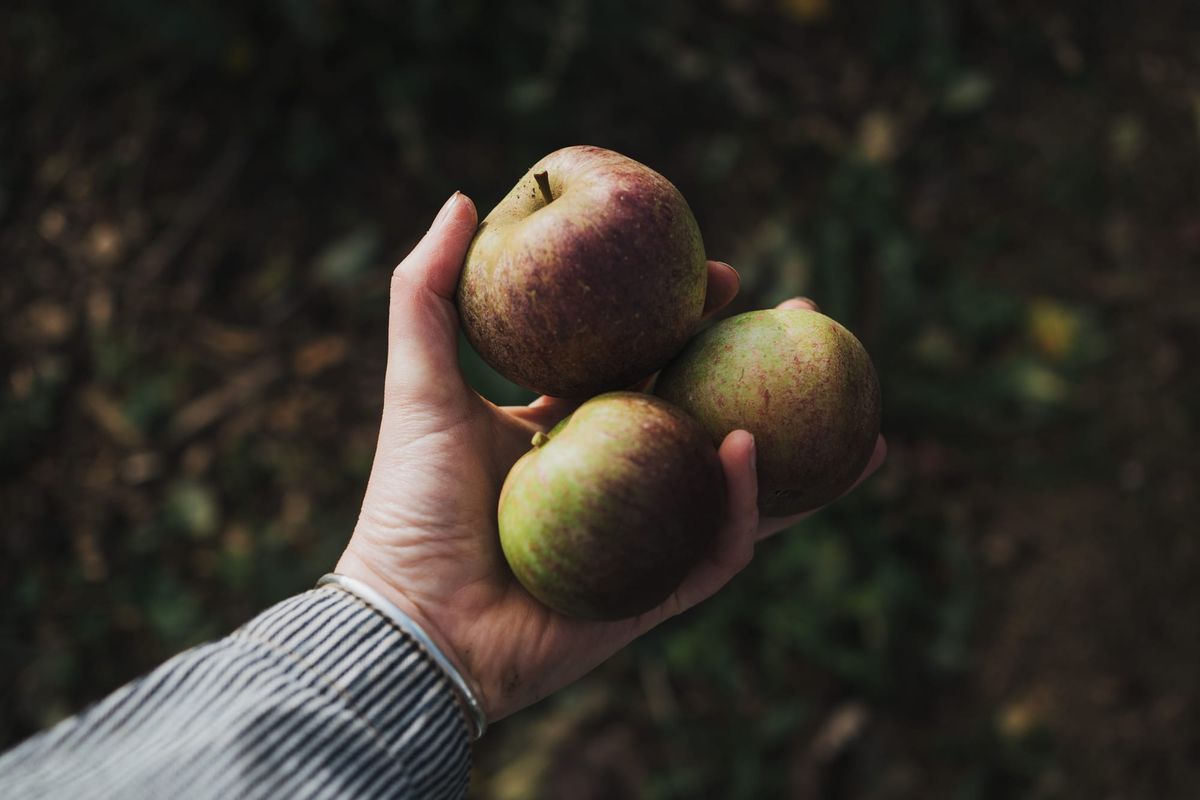
To me, September is the real start of the gardening year. It's when we stop wondering what this season will bring and start thinking about the next. It's now all about seeds and sowing, editing and curating. Gardening has always seemed to me an inherently hopeful thing to do. I've never reached the end of August without thinking that next year might be even better.
The turn of the year also means more time indoors, with my head in books more than my hands in the soil. The Garden Collective, in its new form, is coming to the end of its first quarter, and I can tell the weather has changed everywhere, because more and more of you are reading and replying in the comments.
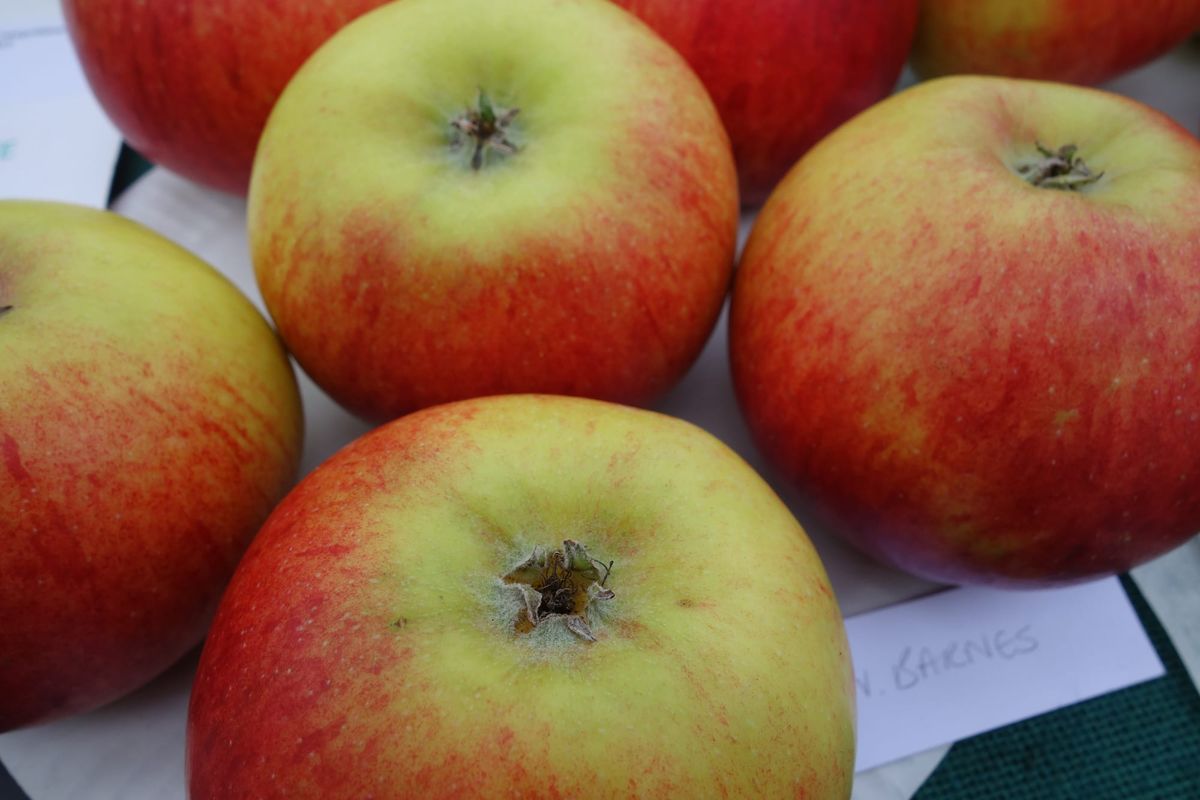
This week James wrote about apples, and I started to feel very autumnal indeed.
 James Alexander-Sinclair
I still pinch myself that I get to be part of this. Our writers are some of the most talented and interesting people in gardening, and many of them don't publish anywhere else. Even if you could find them all, subscribing to each one separately would cost a fortune. The Garden Collective brings them together in one place: somewhere to hear what other gardeners are up to, learn new things, and explore plants, history, ideas and relationships you didn't know would fascinate you.
From the start, we've been clear that this is a space by gardeners, for gardeners. Every writer cares about the craft of writing as much as the art and science of horticulture. No AI is used in creating any piece, and no article is interrupted by ads or sponsorship. There's plenty of passionate debate, but The Garden Collective is a refuge in a busy world.
There's a reason most media is full of ads and the internet is filling up with AI slop: that's how it makes money. We do it differently. Every writer is paid for their experience and their time, because we believe that's the right thing to do and the only way to keep supporting the people we all love to read.
You made this happen, and we are very grateful.
This week
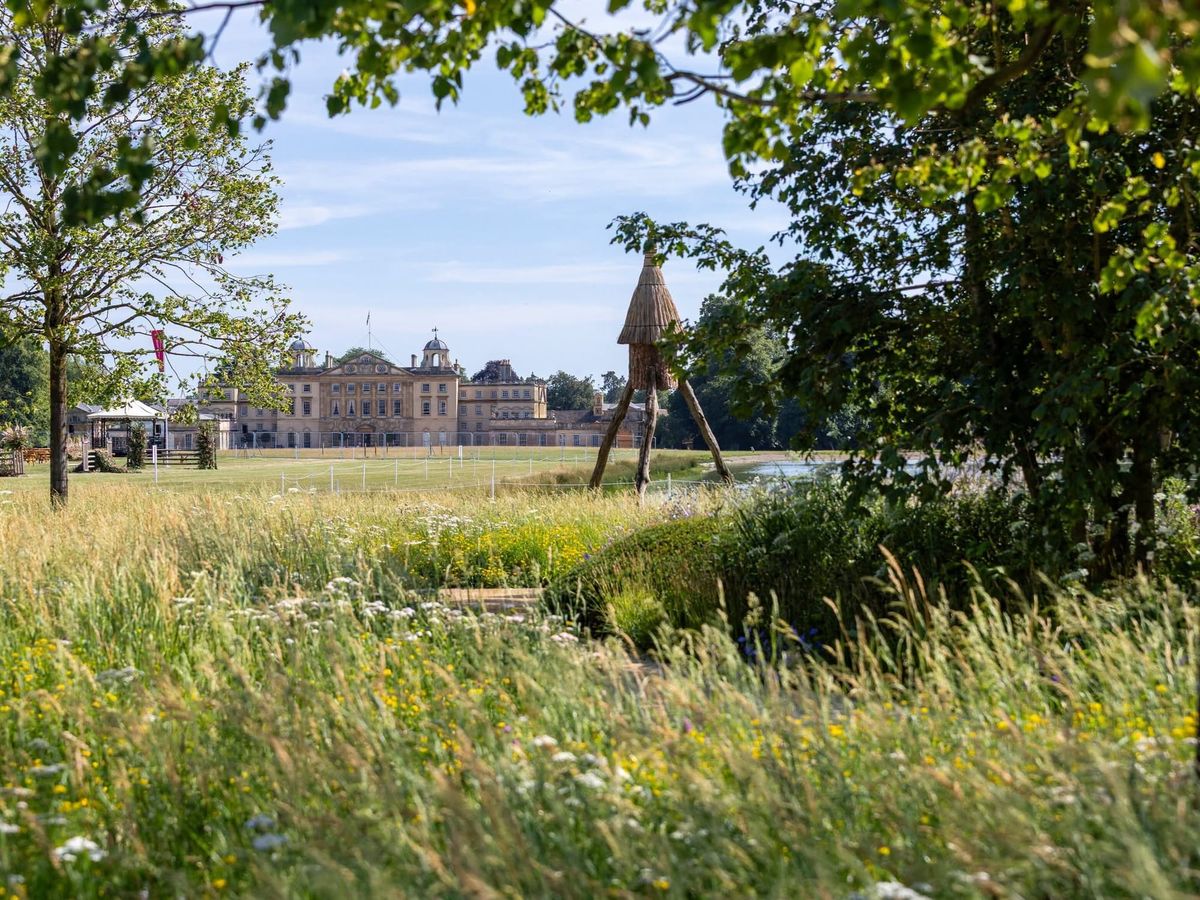
If you're curious about what's happening with Tatton, whether Badminton is here to stay, and the whys and wherefores of how decisions are made about such things, George has the inside track for us. This is what knowing people who know people gets you...
 George Plumptre
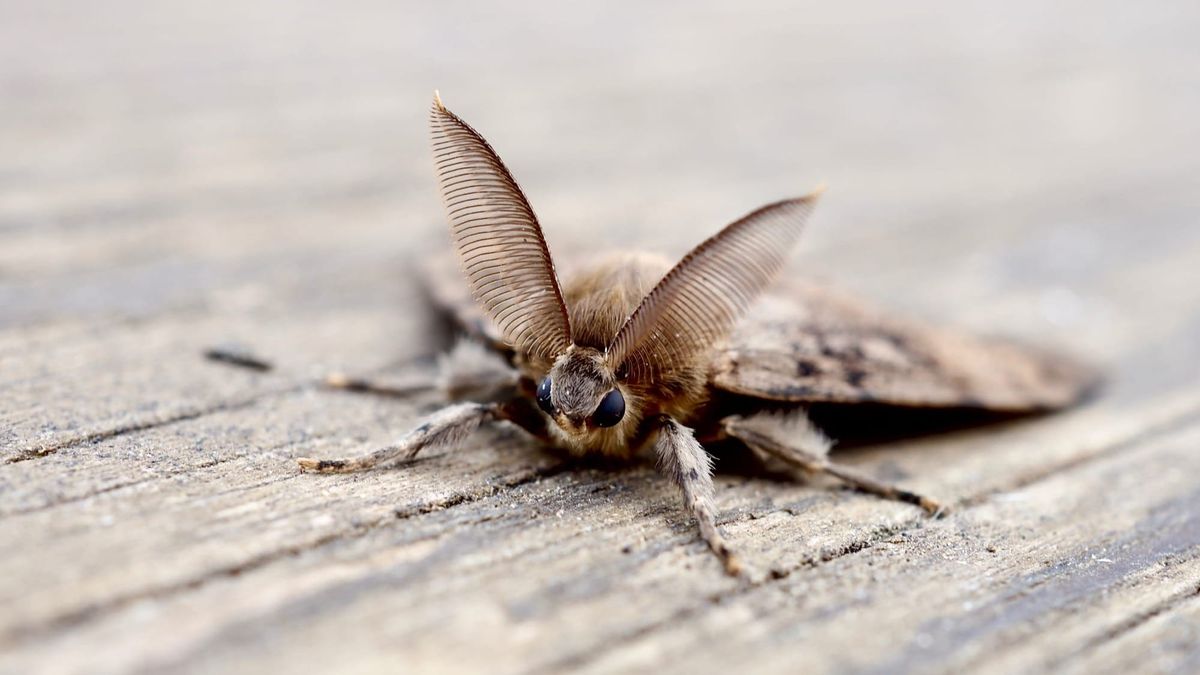
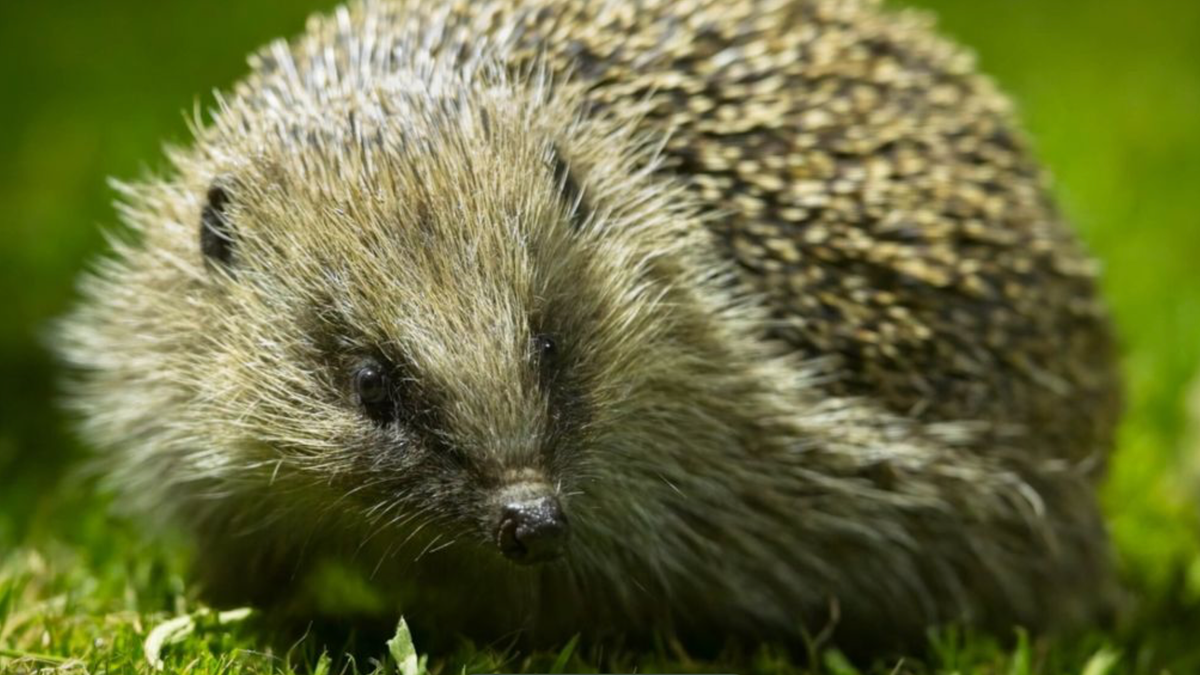
Helen continues her series on how every one of us can support wildlife in our gardens. This month, the night shift: moths. Worth reading just for the photos.
 Helen Hutchings Cox
Making the most of your membership
i. Following your interests: Topics
If you have been enjoying Helen's pieces, there is a way of reading related ones. At the top of each piece is a word (or words) and if you are interested in that topic, just click on it and it will take you to all of the pieces archived under that topic. If that feels a bit complicated, then there is an option to 'read by topic' at the top of the page, and then you can choose from there. Top three are reliably:
 Helen Hutchings Cox
 Joe Swift
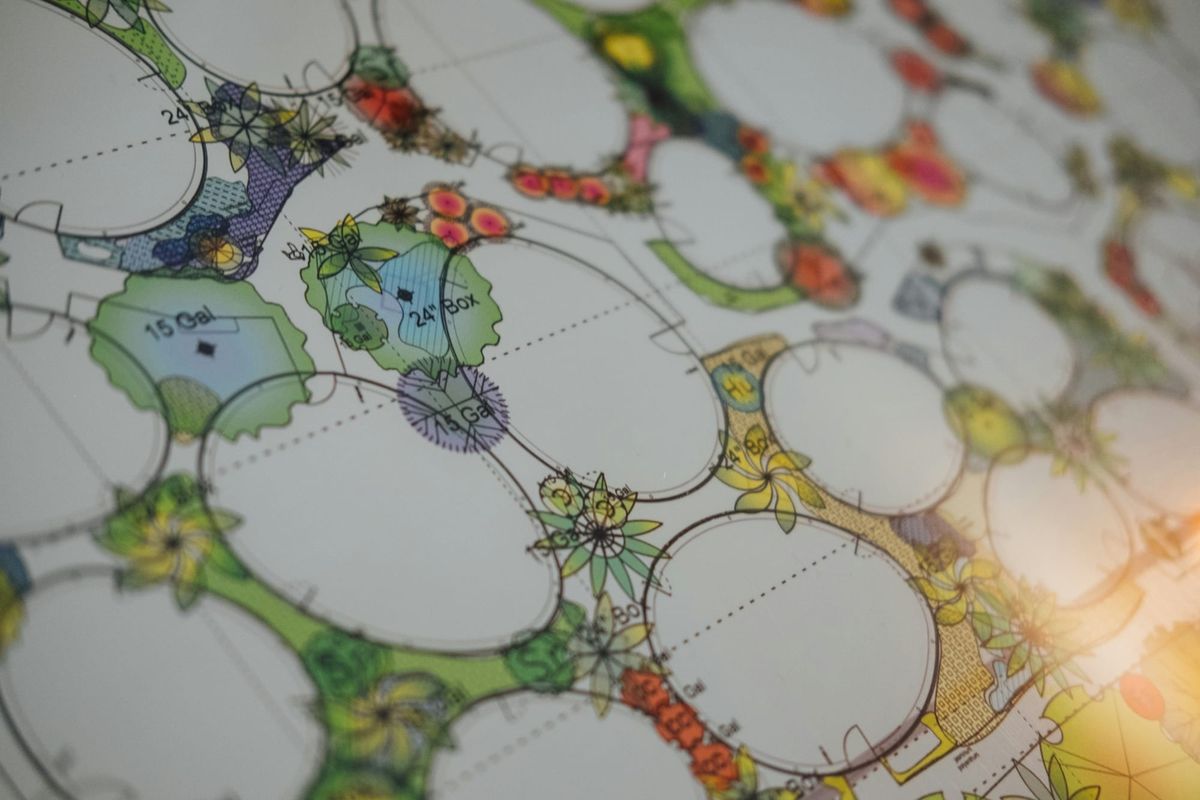
 Matthew Pottage
ii. The Garden Collective app
I confess, as techy as I am, I cannot build an app. However, I know lots of people like having everything at the touch of a button, and there is a very neat workaround. You can have the Garden Collective sit on your phone's home screen like an app, one tap away, with no app store and no download. It takes less than a minute.
On an iPhone or iPad:
- Open thegardencollective.uk in Safari.
- Tap the Share button, the square with an arrow pointing up. On newer iPhones, you may need to tap the ••• menu first.
- Scroll down and tap Add to Home Screen.
- Leave the name as it is or change it, then tap Add.
The Garden Collective icon will now appear on your home screen. You can do the same in Chrome on an iPhone: tap the Share button in the address bar and choose Add to Home Screen.
On an Android phone:
- Open thegardencollective.uk in Chrome.
- Tap the ⋮ menu in the top right corner.
- Tap Add to home screen. On some phones this is called Install app.
- Tap Add to confirm.
The first time you open it:
Tap the new icon and sign in once with your email address as usual, and you'll stay signed in. If it ever asks again, the sign-in link will come to your inbox as it always does.
Moving or removing the icon:
Press and hold the icon to move it, put it into a folder, or remove it. Removing it doesn't affect your membership.
I'm going to say it, you can find and delete the Scribehound app now. There's no going back.
iii. Listening on the go: Your private podcast feed
You can listen to the audio by just clicking on the player at the top of each article. However, this is not very convenient if you are driving or have your hands in soil. Don't worry; we fixed this. As a paid member, you have your own personal podcast feed which will appear wherever you get your podcasts usually.
This audio that isn't public anywhere else, and yours for as long as you're a member.
Finding it: in your account settings, or in your welcome email if you've just joined.
Adding it to your usual podcast app:
- iPhone — Apple Podcasts is easiest; tap the link and it'll offer to add the show. Overcast, Pocket Casts, Downcast and Castro also work. With Spotify, you just need to confirm that you want it added.
- Android — Pocket Casts, Podcast Addict, Podcast Republic and Castbox all support private feeds; look for "add by URL."
- Desktop — just listen from your feed page in the browser, no app needed.
A few things worth knowing: your link is personal, so please don't share it. If your membership pauses or ends, the feed stops updating; rejoining gets you a new link. Switching tiers or devices doesn't affect access, just add the feed fresh to a new app if needed.
Have a wonderful week. If you have any other tips that I can share with the members, hit reply and let me know.
Grace